Stop Clicking, Start Prompting: How I Use GSC’s New AI Features (Agency vs. In-House Playbook)
You'll know exactly how to use GSC's AI Configuration Bar and Generative AI reports to work faster, report smarter, and optimise for Google's AI-driven search experience.

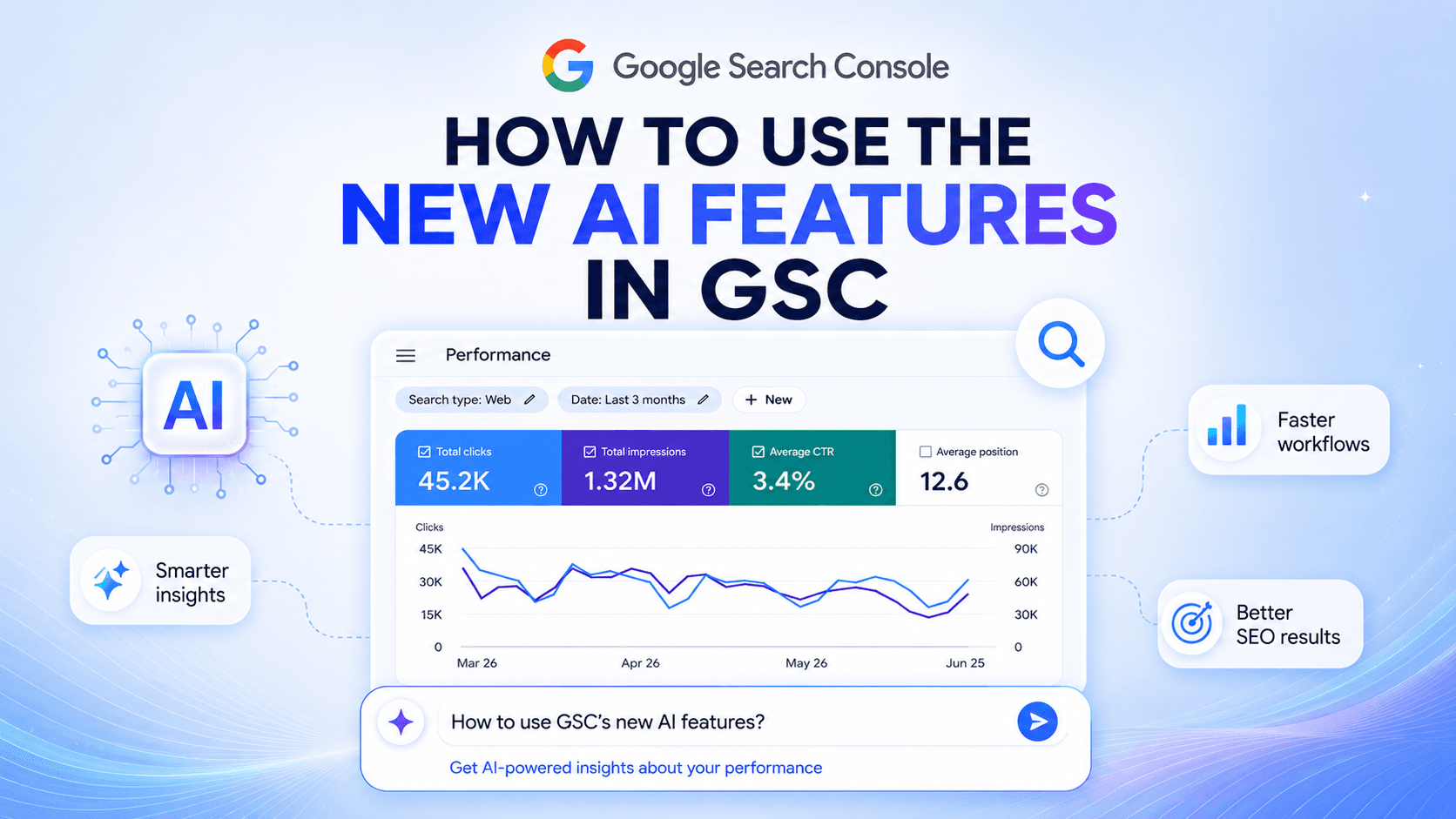
If you have spent at least some time in the SEO industry, you know very well the feeling on reporting day. I do. I’ve lived in both worlds - managing a portfolio of several accounts at a fast-paced agency, and navigating the deep, cross-departmental politics of an in-house enterprise team.
And in both worlds, my biggest enemy has always been the same - the clock.
I used to spend literally hours of my week trapped inside Google Search Console, running the same monotonous ritual: open the Performance report, click three different dropdowns to set a ‘Query contains’ filter, adjust date ranges, isolate mobile versus desktop, and manually export tables into Excel just to surface a single actionable insight for a stakeholder. It was exhausting and repetitive, and it felt more like data entry than an actual SEO strategy.
Well, recently, my entire workflow changed. And if you are in the industry right now, you know exactly what I am talking about: the global rollout of GSC’s AI-powered configuration bar.
With it, I completely stopped clicking through menus and started simply typing what I wanted to see. And with Google’s dedicated Search Generative AI Performance Reports, the black box of AI Overviews and AI Mode has finally been cracked wide open.
Yes, I know we have third-party enterprise tools to scrape AI data. I am using them quite a lot. But having everything directly inside our ultimate source of truth - GSC - is a total game-changer. We aren't just optimisation monkeys chasing organic rankings anymore. We are fighting for citation share in an ecosystem where generative search has completely altered how users interact with information.
And I am going to tell you the ugly truth - if you are still pulling reports the manual, old-school way, you are actively wasting your time. Of course, how you leverage these new automation features in your day-to-day tasks depends entirely on you. And it very much depends on your role in the organisation - the playbook I use to scale visibility across an agency portfolio looks nothing like the deep-dive strategy I use to map AI impressions to product conversions in-house.
In this article, I am sharing how I am using GSC’s new AI features to win my time back - and the precise strategies you need to steal depending on where you sit.
The Agency Playbook: Scaling visibility & rewriting the client narrative
Before you start, you need to determine your main goal. When you are managing an agency portfolio, basically the two things you need to deal with are scale and client education.
The biggest issue with running deep diagnostic reports for dozens of client accounts is that your actual strategy time is effectively cut to near zero. Worse, as Google rolls out more aggressive AI Overviews, clients look at standard organic clicks dropping by 15-20, even 30%, and panic - even if their overall search visibility is actually at an all-time high.
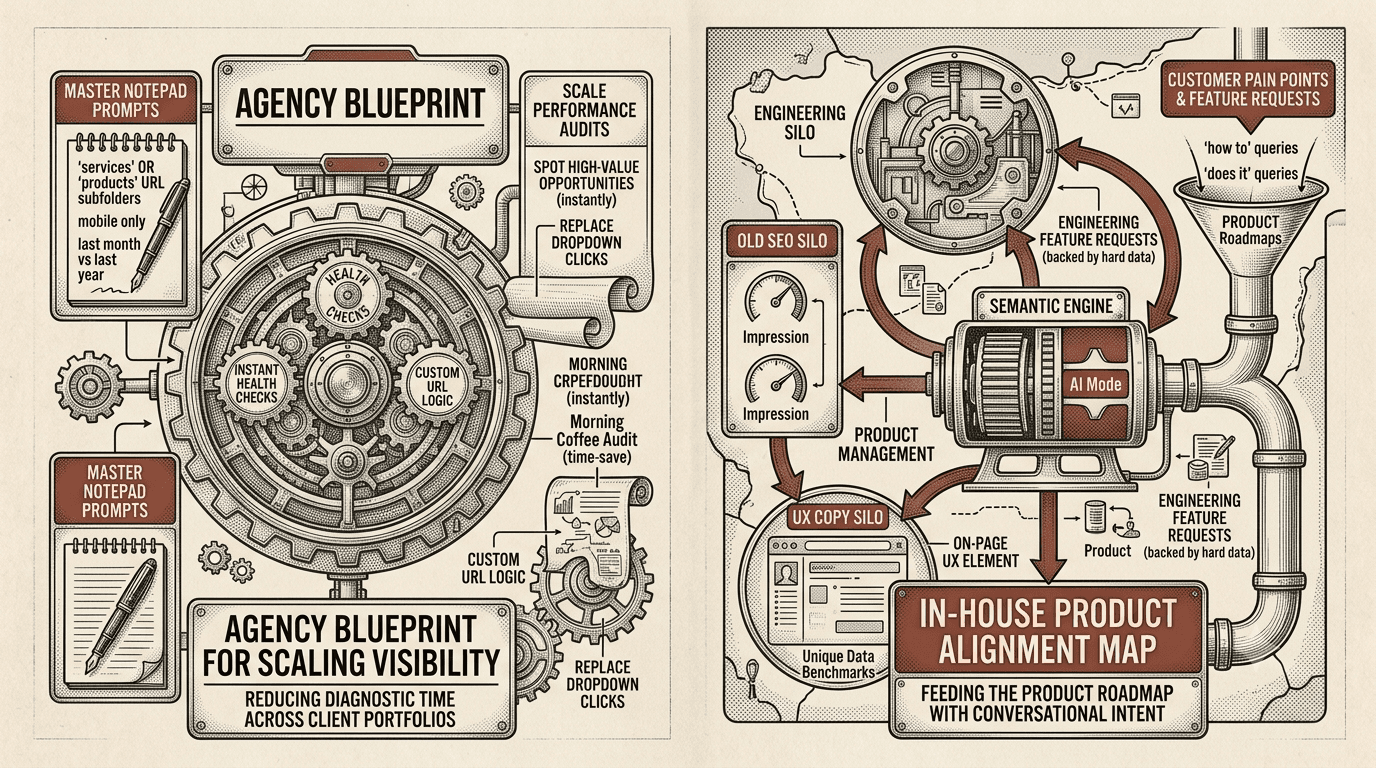
The new GSC features have completely changed how I handle these problems. Here is the agency blueprint I use to reduce data analysis time while protecting client retention.
The quick diagnostic for client portfolio scale
The manual setup of data comparison models used to eat up hours. Now, you can use the AI configuration bar to run instant health checks across all your client accounts.
All you need is a master notepad of text prompts to use directly, instead of building custom filters for every single account.
You can spot high-value opportunities instantly by using the following prompt (or adjusting it as you wish):
‘Compare impressions for pages containing '/services' or '/products' this month versus the same month last year, filtered by mobile only’.
The AI instantly spins up the year-over-year comparison and applies the URL subfolder logic. Within seconds, you can spot exactly which service or product pages are losing visibility and need a refresh - without clicking a single drop-down menu. You can audit an entire client portfolio while having your morning coffee.
Introduce a new metric
The hardest thing an agency SEO has to face right now is explaining why rankings are steady, but clicks are down. When an AI Overview dominates a query, the CTR of traditional positions drops significantly. You cannot fix this with old-school SEO; you have to change what you report on instead.
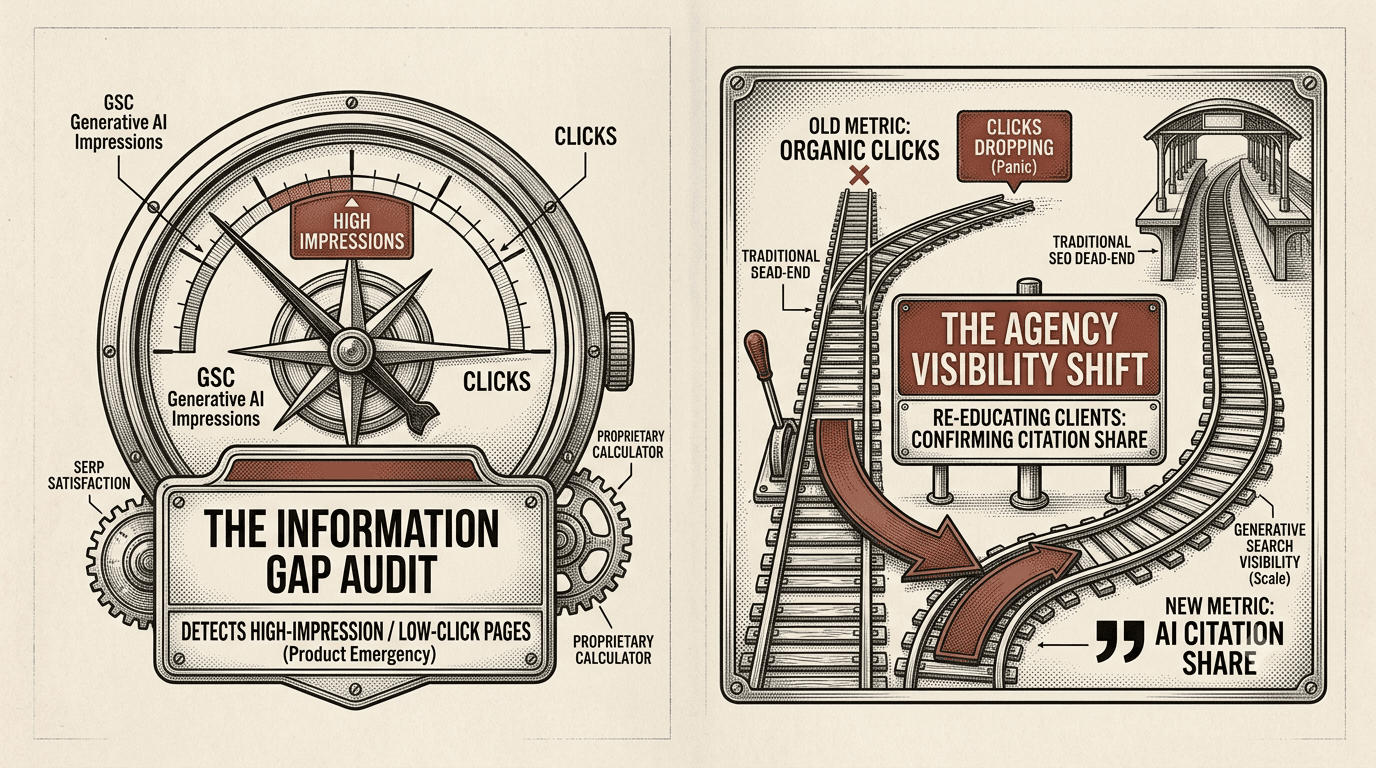
With the launch of the dedicated Generative AI Performance Report, you finally have official numbers to help you shift the narrative. When a client panics about a loss of organic clicks, this is what I do: I pull up their Generative AI impressions to show them the new definition of ‘Position zero’. And use this explanation: ‘Yes, standard clicks, the ones we used to report on, are down, BUT the brand is cited in Google's AI Overview more than 5,000 times this month. We aren't losing traffic; we are dominating the user's initial research phase before they even visit a competitor. And this creates strong brand awareness and authority.'
The biggest pro of reporting on AI Citation Share alongside traditional clicks? This way you transform your agency from a ‘vendor who makes you rank’ into a ‘strategic consultant who builds market share’. And everyone loves a winning strategy.
Track long-tail (very long-tail) conversational queries
People do not search like they used to. Data show that users in AI Mode tend to type queries that are up to 3 times longer than those in traditional long-tail searches.
Let’s say your client is a boutique hotel in Paris. Their guests aren't just typing ‘boutique hotel Paris’ anymore; they are typing: ‘give me a quiet boutique hotel in Paris with a good breakfast, fast Wi-Fi for remote work, and walking distance to local coffee shops’
To keep your agency clients ahead of the curve, you need to prove that you are capturing this conversational shift. Use the AI Configuration Bar to pool these long-tail queries quickly. Prompt: ‘Show me queries with more than 6 words from the last 90 days that have over 500 impressions’.
Easy-peasy. Take this list directly to the content team. Tell them to turn the queries’ phrases into highly specific accommodation FAQs and detailed landing page sections. It will allow your agency to rapidly scale content strategies that directly feed Google's semantic index and land your clients inside those specific AI responses.
The In-House Playbook: Product alignment & deep-dive strategy
When you work as an in-house SEO, your success metrics change. Nobody cares about a generic 20% bump in impressions. Your marketing director wants to know just one thing: How does this data impact our revenue?
Working in-house, the struggle isn’t about managing client accounts - it is about fighting for engineering resources and breaking out of the isolated ‘SEO silo’. GSC’s new AI features are a goldmine here because they give you the exact semantic data you need to influence product development, engineering roadmaps, and UX copy.
The ‘Information gap’ audit
Inside the Generative AI Performance Report, the most critical anomaly to look for is the high-impression, low-click page.
In organic search, a page with lots of impressions but few clicks suggests your title tag is poor. But if a page has high Generative AI impressions and low clicks, it means Google's AI is summarising your content so perfectly in the AI Overview that users get their answer and leave without ever visiting your site.
For an in-house SEO, this is a product-positioning emergency. Use the AI configuration bar to find these pages fast. Use this prompt: ‘Show me pages with high Generative AI impressions but fewer than 10 clicks over the last 30 days’.
Once you have this list, look at the content. If Google is scraping your pricing or a basic feature list and satisfying the user right on the SERP, you need to introduce an information gap.
Take this data to your product and UX teams. Work with them to layer deeper, proprietary calculators, unique industry data benchmarks, or interactive tools behind a free sign-up or an intuitive on-page UX element. Give the AI enough high-level information to cite you, but force the user to click through to your site to get the actual value.
Feed the product roadmap with conversational intent
Because users are asking Google complex, multi-variable questions in AI Mode (as mentioned above), GSC is quietly compiling a list of your customers' exact pain points and feature requests. Instead of waiting for quarterly customer success surveys, you can use the AI configuration bar to audit what features your audience is searching for right now. That’s the prompt to use: ‘Show me queries containing 'how to' or 'does it' from the last 90 days for pages containing '/product'.
This instantly surfaces the exact friction points users are experiencing or the missing features they expect your product to have. You can take this data straight to product managers, backed by hard search volumes, to support your engineering feature requests.
Protect brand equity inside AI Overviews
In-house SEOs are the guardians of the brand's digital reputation. If an AI Overview summarises a query about your brand but includes outdated information, incorrect pricing, or pairs you with a competitor you've outpaced, it actively hurts your revenue.
I use the AI Configuration bar weekly to run a dedicated ‘Brand integrity check’, using this
prompt: ‘Show me all queries containing \\\[Brand Name] from the last 14 days filtered by Generative AI impressions’.
This allows you to see exactly which conversational brand queries are triggering AI responses. If the AI summary is pulling data from an old 2023 press release or an outdated product review page, you know exactly which external pages you need to target for digital PR, or which internal schema markup needs an immediate update.
Bonus: The GSC AI Configuration bar prompt sheet
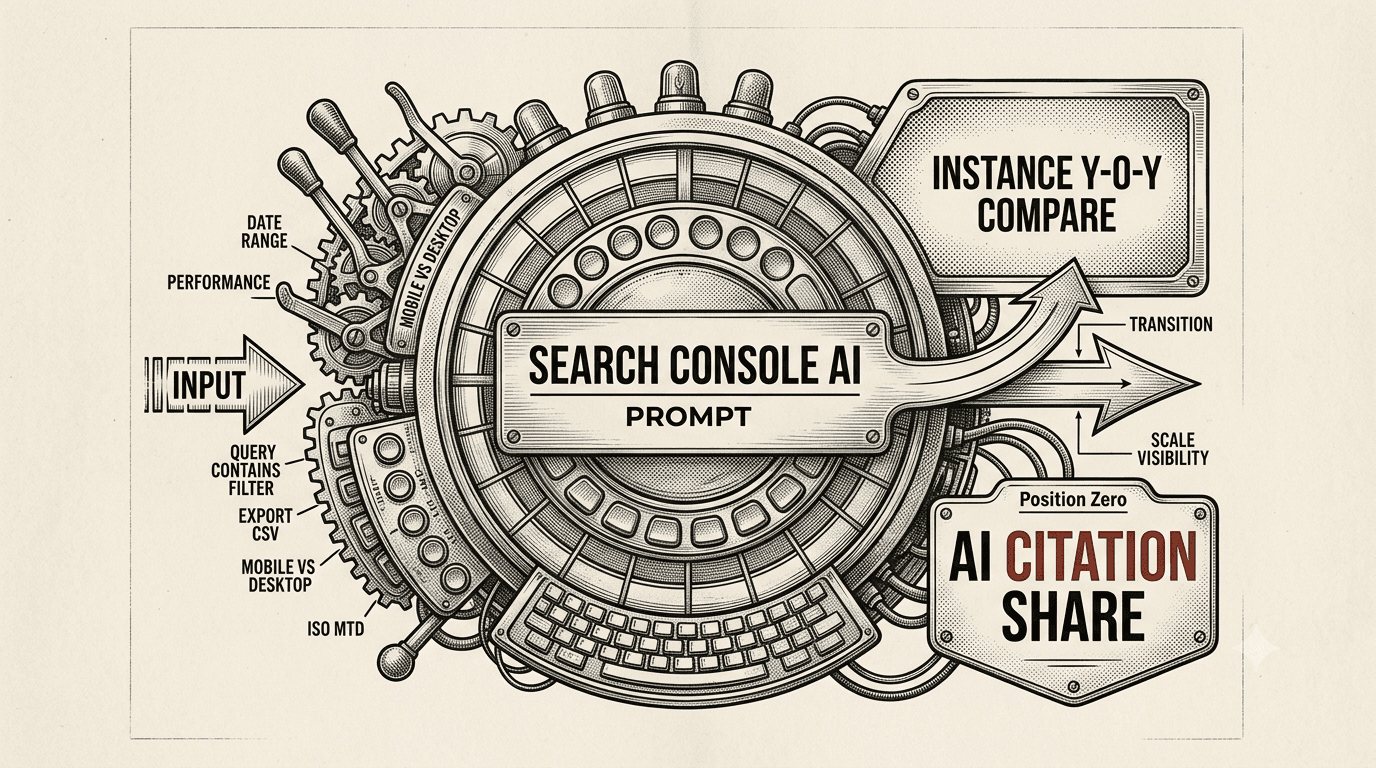
Before you go, here are a few more copy-pasteable prompts you can drop into your notepad. I use these weekly to catch anomalies that most SEOs completely miss:
- The content decay detector:
- ’Compare performance for pages containing '/blog' this month versus six months ago, filtered by impressions declining’
- The international hreflang auditor:
- ’Show me English language queries outside of the United Kingdom that are landing on our UK pages over the last 60 days’
- The SERP Feature cannibalisation checker:
- ’List queries from the last 28 days where our average position is under 3 but CTR is less than 5% on mobile’ (Perfect for spotting when a heavy local pack or map feature has swallowed your organic traffic).
The Bottom Line
Whether you are jumping between client accounts at an agency or fighting for engineering resources inside an enterprise brand, one thing is clear: the days of manual, click-heavy data-crunching inside Google Search Console are officially over.
When I look back at the hours I wasted spinning identical dropdown menus, adjusting dates, and exporting CSVs just to ensure basic visibility, I realise how much strategic time was left on the table.
GSC's new AI features aren't just about saving time; they are about changing your entire approach to SEO. By handing the grunt work over to the AI configuration bar and mastering the nuances of the Generative AI report, you transition from a reactive marketer pulling numbers to a proactive strategist steering the ship.
Stop clicking. Start prompting. Your reporting calendar - and your sanity - will thank you.